01
Drop a pin
Hold the map, or pin where you are standing. Give it a name and a list.
 Everpin
Get the app →
Everpin
Get the app →
Drop a pin, keep the photo, and watch the countries fill in. Private on your iPhone. No Everpin account.
Download on the App StoreReal screens from the iPhone app.
01
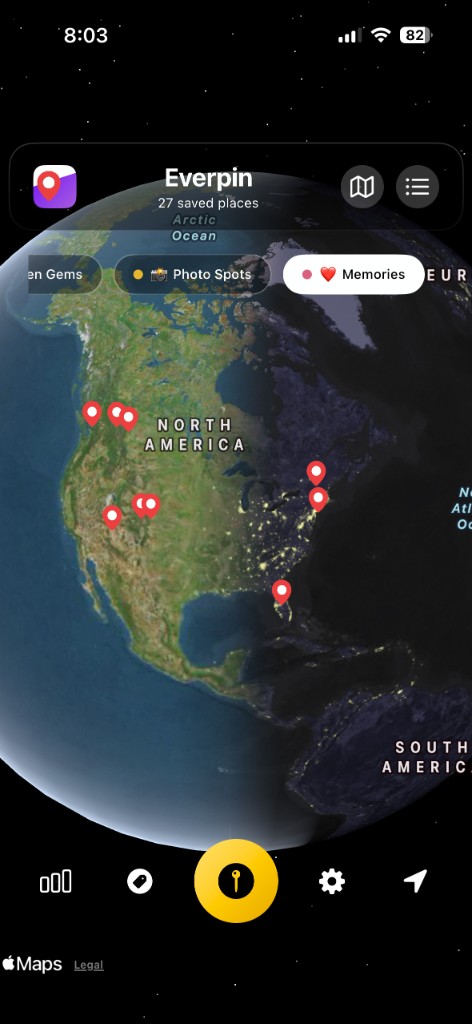
Hold the map, or pin where you are standing. Give it a name and a list.
02
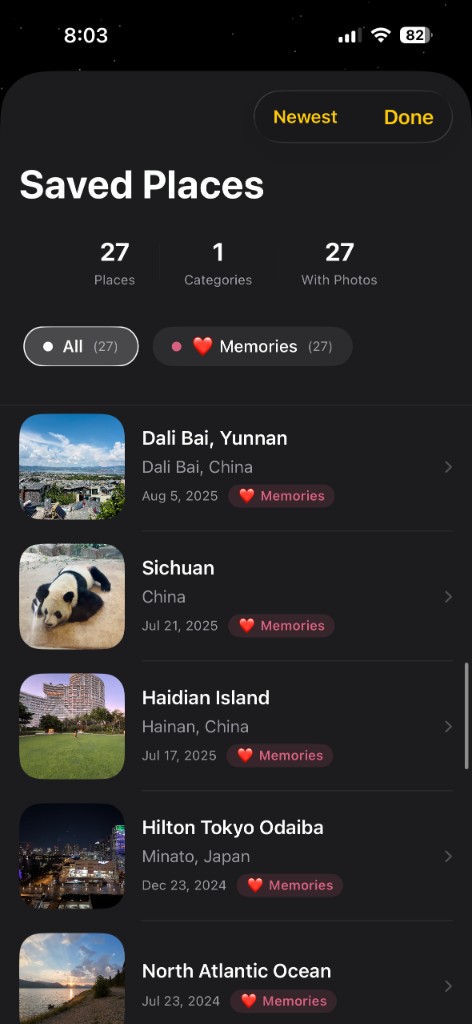
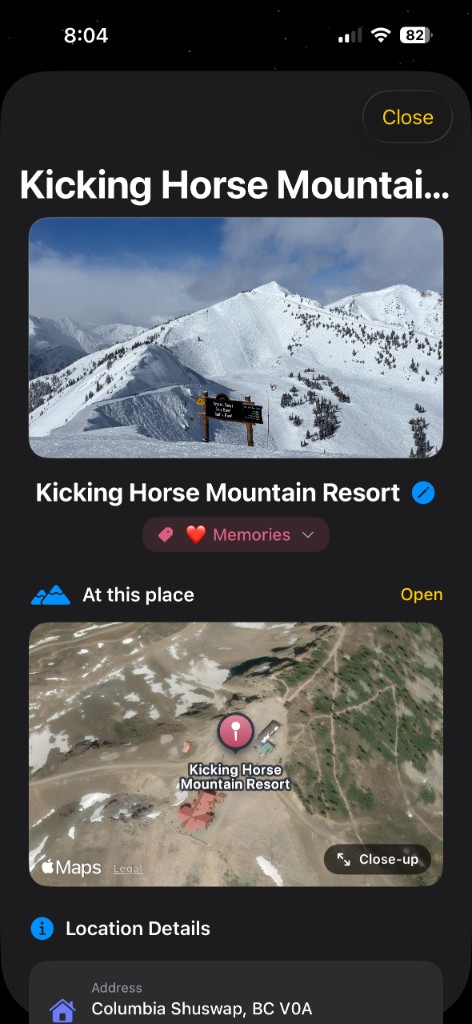
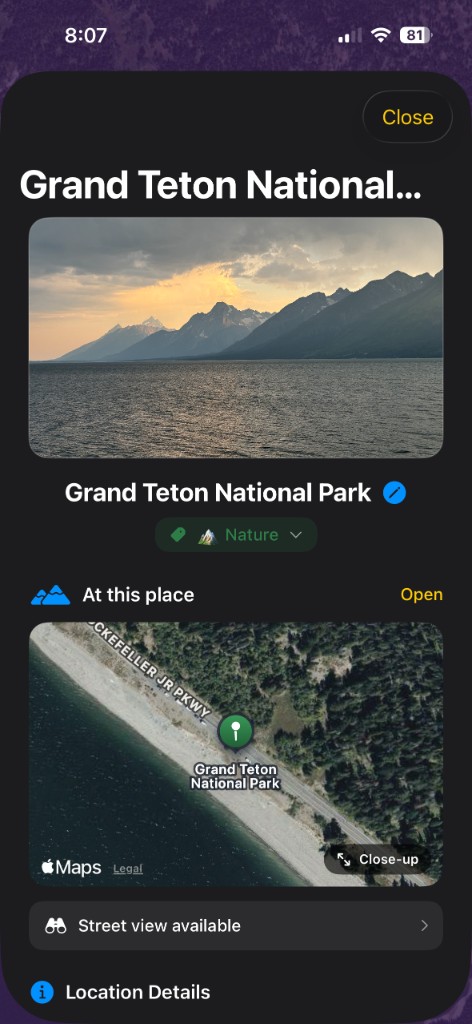
The picture sits on the place. Open it any time, with the map underneath.
03
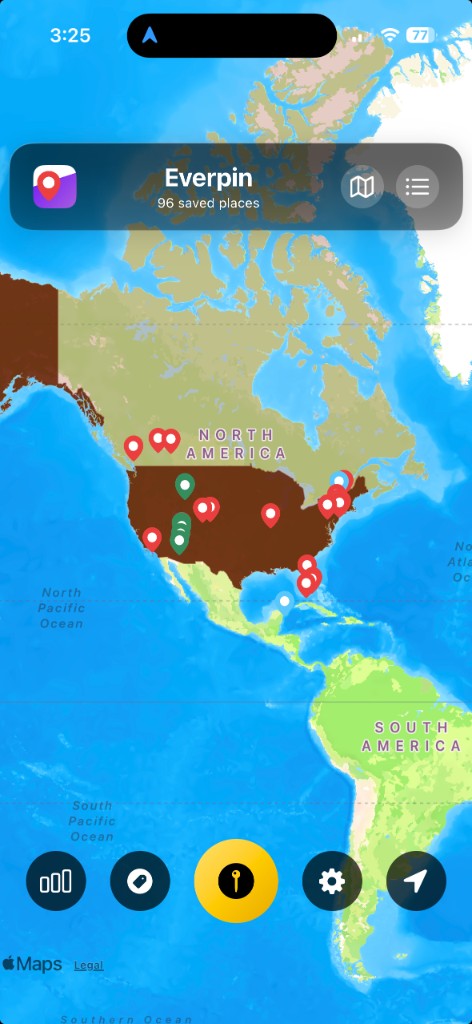
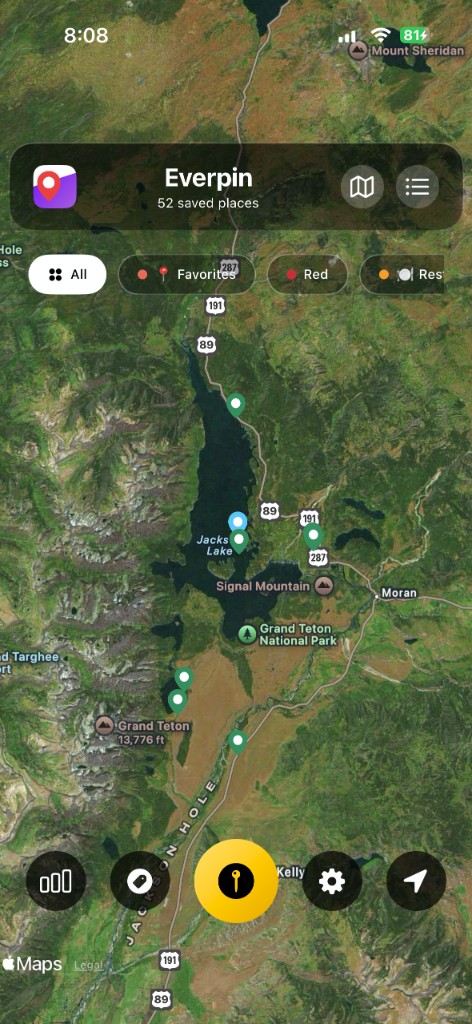
Zoom out and the countries take color. Zoom in and you are on the trail again.
The iPhone app keeps the photos and the private iCloud journal. The browser map is there when you want to try a pin and send the link.
Download on the App Store